Client processes, companion tools and suspicious executables
General Windows coverage Minecraft Java networks, competitive servers and multiplayer communities
Minecraft PC Checker
Give Minecraft staff a consistent Windows PC-check workflow for escalated screenshares, event reviews and disputed cases.
Lifetime €44.99 once / Team €29.99/month

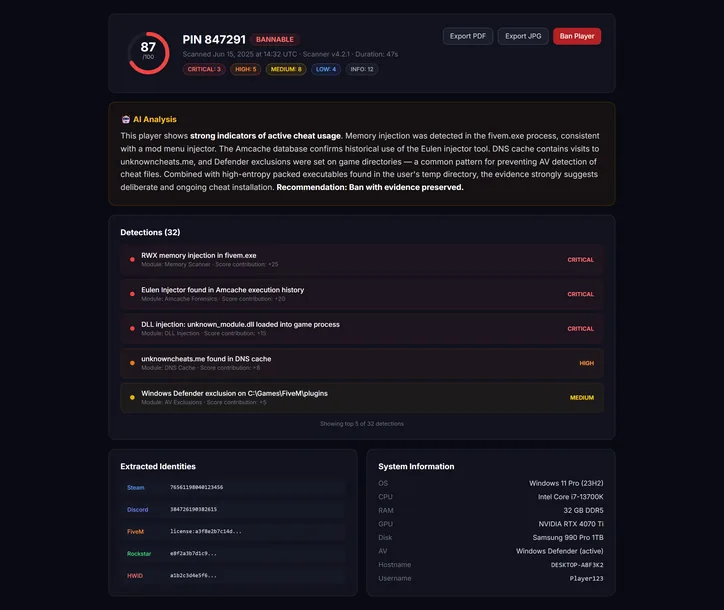
38
evidence modules
Single-use PIN
Staff-requested check
No install
Portable Windows scanner
About 60s
Typical workflow
Human review
Evidence before action
Evidence coverage
What the Minecraft check can surface
SGC complements server-side anti-cheat, logs and staff screenshares with a retained Windows evidence report.
Use it in context
Use SGC alongside server-side anti-cheat, logs, replay evidence and your network rules.
Mod, configuration, download and recent execution artifacts
Filesystem, browser, DNS, driver and system-level evidence
A repeatable workflow
From a six-digit PIN to reviewable Minecraft evidence.
Moderators do not need a different tool or permanent server resource for every title. The request, scan and report follow the same pattern.
- 01
Issue a PIN
Staff selects Minecraft, adds a reference and sends the single-use code.
- 02
Run the portable scanner
The player reviews the notice and runs the 38-module Windows check.
- 03
Review the report
Staff evaluates severity, evidence and policy context before deciding.
Where it fits
Built for the moments that need a second look.
Add structure to an escalated staff screenshare
Review competitive-server and network disputes
Keep the same evidence format across moderators
The deliverable
A report another moderator can review.
The evidence stays connected to severity and technical context instead of collapsing the investigation into a single unexplained score.
- ✓Risk summary with critical, high, medium and low findings
- ✓Evidence source and technical detail for staff review
- ✓Retained history for follow-up and appeals
Straight answers
Minecraft PC Checker FAQ
Does Safe Gaming Cloud replace the Minecraft anti-cheat? +
No. SGC is an on-demand investigation tool that adds Windows forensic context. Use SGC alongside server-side anti-cheat, logs, replay evidence and your network rules.
What coverage does the Minecraft PC check include? +
SGC complements server-side anti-cheat, logs and staff screenshares with a retained Windows evidence report. The completed report keeps the source, severity and context together for staff review.
Does the player have to install software? +
No permanent installation is required. The player opens the portable Windows PC Checker only for the requested scan, using standard user permissions.
Can staff automatically ban a player from the SGC score? +
No. SGC provides evidence and severity context, but the final decision should remain with authorized staff following the community or event rules.
More coverage
PC Checker pages for other games

Rocket League PC Checker
General Windows coverage
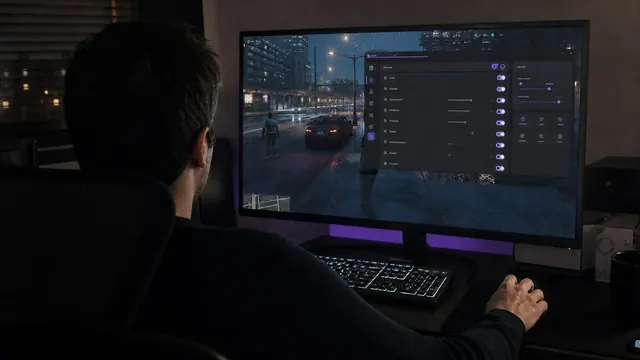
FiveM PC Checker
Specialized + general

RedM PC Checker
General Windows coverage
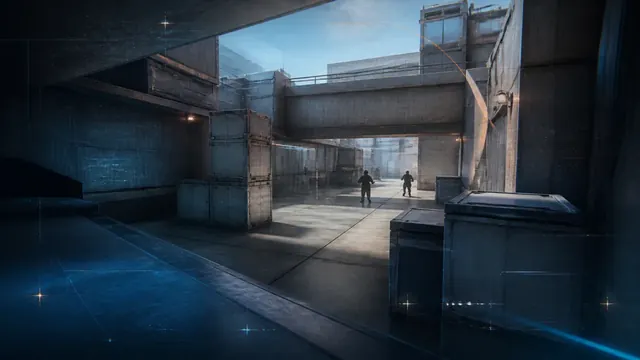
Counter-Strike 2 PC Checker
General Windows coverage
Game names and trademarks belong to their respective owners. Safe Gaming Cloud is not affiliated with or endorsed by those publishers.
Ready for your next review
Run the next Minecraft PC check with clearer evidence.
Create the PIN, send it to the player and review the completed report from one dashboard.
Lifetime €44.99 once · Team €29.99/month